01 · Ctrl + Alt + D
Start the game in ScummVM and press Ctrl + Alt + D. Type the command and press Enter.
 EN ROUTE TO THE CARIBBEAN · SINCE 1999
Rooms, scripts and functions to use in the ScummVM console. Choose a game and check the edition before copying a command.
Lucas adventures
Rooms, scripts and functions to use in the ScummVM console. Choose a game and check the edition before copying a command.
The commands on this page are documented in the engine sources. Their inclusion does not certify testing in every edition.
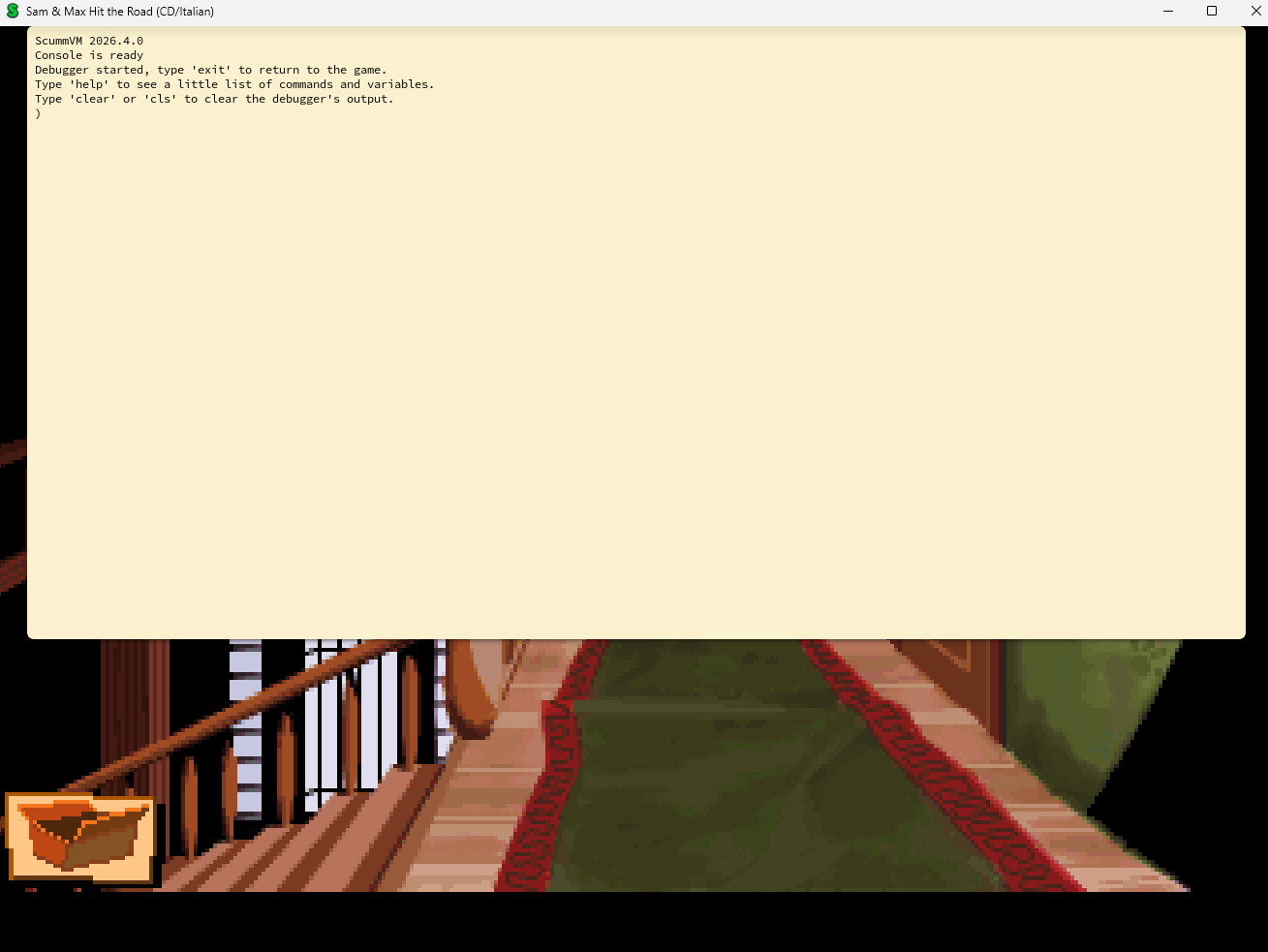
Start the game in ScummVM and press Ctrl + Alt + D. Type the command and press Enter.
Type exit to return to the game; help shows the commands available in your version.
Keys can be customised in ScummVM.
Before changing rooms or running scripts, create a separate save: a jump may also skip story initialization.
Original game; Remastered and Special Edition releases may require different tools.
helpDocumented in the official source code
renderer_getDocumented in the official source code
check_gamedataDocumented in the official source code
GrimE uses different commands from SCUMM. A scene name is not a room number.
Original Windows release; Remastered is not supported by ScummVM 2026.4.0.
GrimE uses different commands from SCUMM. A scene name is not a room number.
jump <target>Documented in the official source code
Syntax: replace ID only with a value verified for the edition.
lua_do <Lua>Documented in the official source code
Syntax: replace ID only with a value verified for the edition.
Numbers not yet identified are not presented as ready-to-use codes.
Source review: 23 November 2026
No unperformed in-game tests are claimed.