Playable memories
Backgrounds, dialogue and objects return on systems they were never designed for.
 EN ROUTE TO THE CARIBBEAN · SINCE 1999
Old games, new routes: a project that keeps adventures alive.
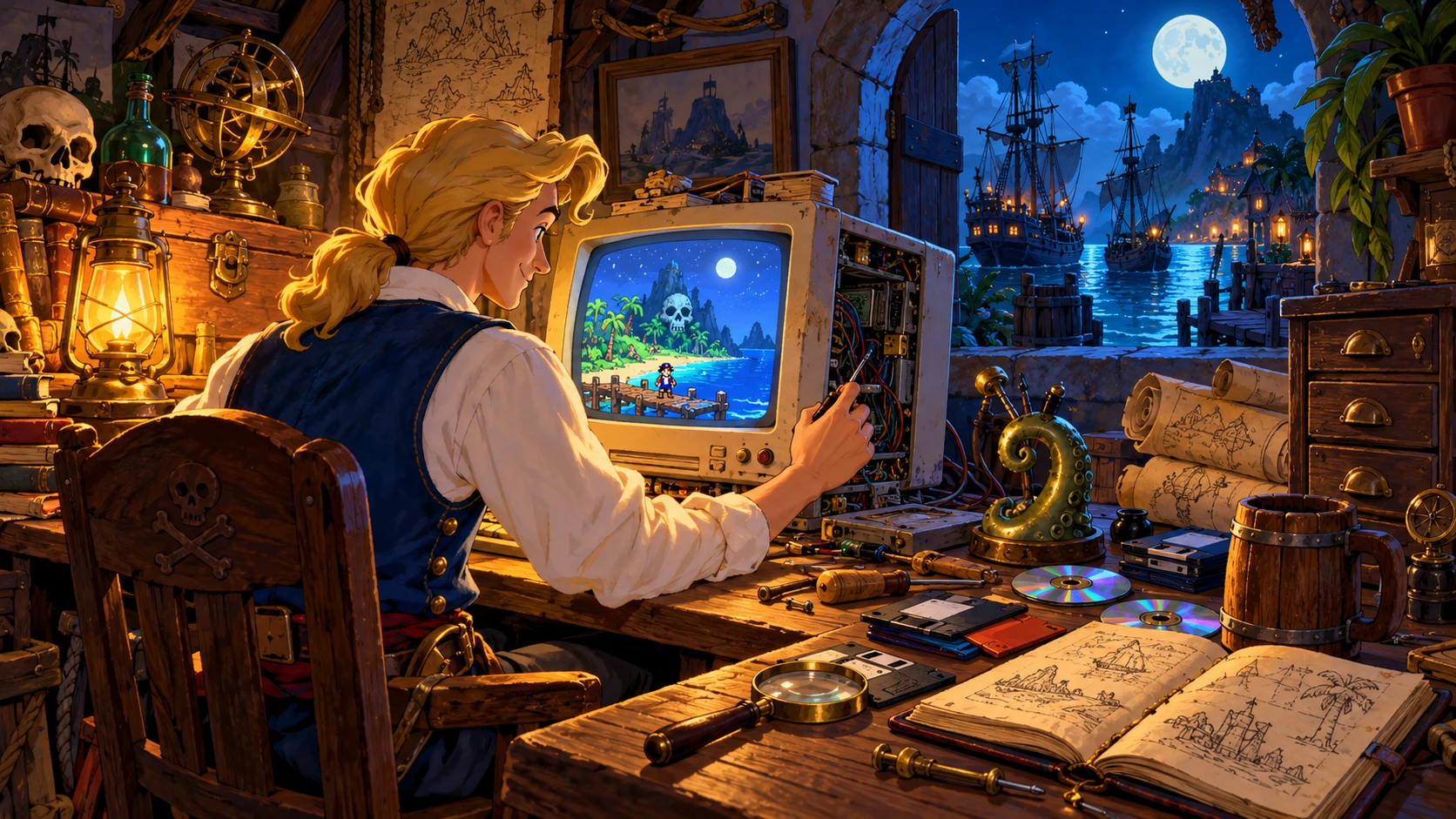
A floppy disk, a CD, a folder kept for years: an island, a puzzle and a familiar joke are still inside. ScummVM bridges those data files and today’s devices, so you can revisit an adventure without finding the computer on which you first played it.
ScummVM replaces the original game executable with reimplemented engines that read the game’s data. It does not emulate an entire old PC. The program is free and open source; you still need the adventure’s data files.
Backgrounds, dialogue and objects return on systems they were never designed for.
The name recalls LucasArts’ SCUMM, but the project supports many other engines and creators.
Graphics, audio and controls can be adjusted to the device and your preferences.
Download the stable release for your system from the official website and follow its installation guide.
Put the files required by your edition in one folder, from your discs or a compatible digital edition. Selecting the old EXE alone is not enough.
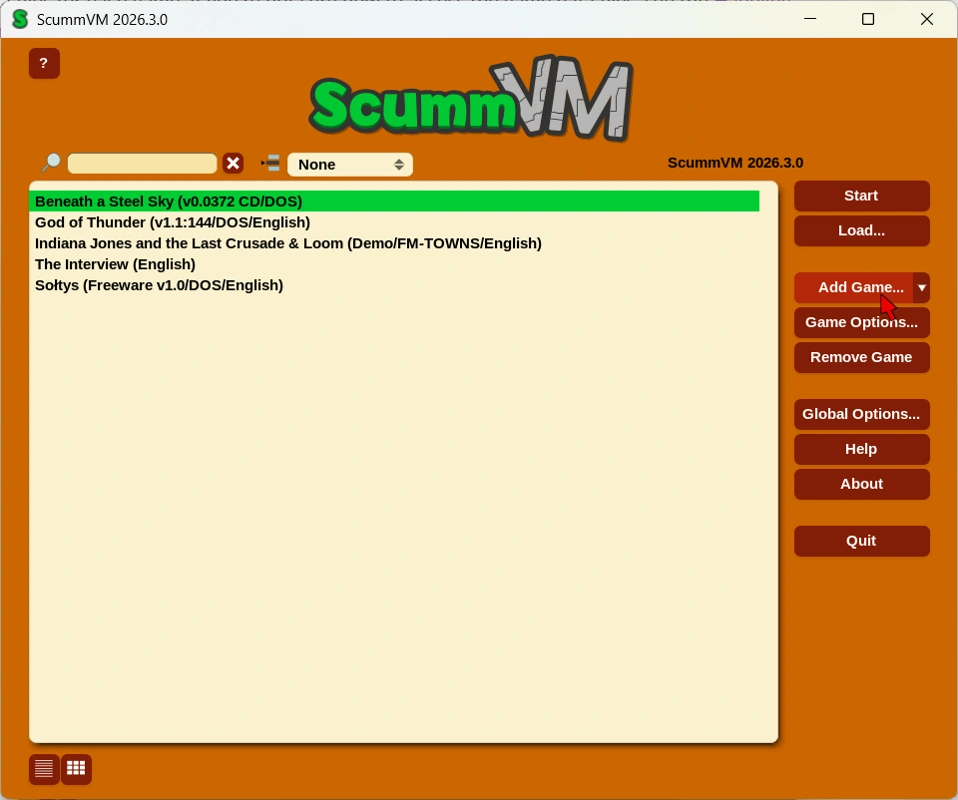
Open ScummVM, select Add Game and choose the data folder. Check the detected title, language and platform.
Select the game and start it. If detection fails, check the required files, edition and compatibility notes.
Monkey Island, Loom, Indiana Jones and Day of the Tentacle reflect its LucasArts roots. Sierra, Revolution and many other creators broaden the journey. Check the exact edition: support should never be assumed for every sequel, remake or translation.
The general compatibility table may describe the development build. Select the table matching your stable release and read each game’s notes, including language and platform.
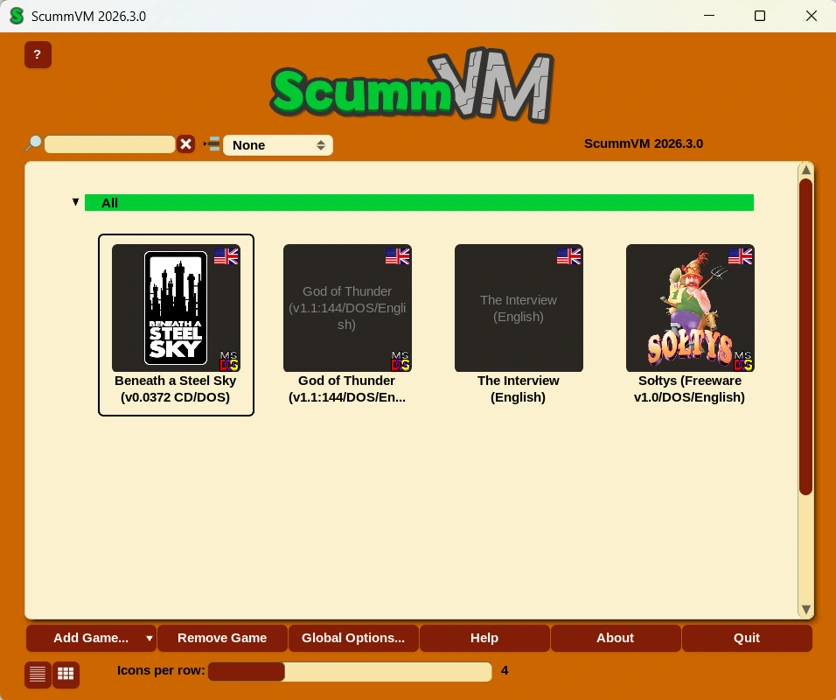
Explore aspect correction, filters and other available options. Start with defaults and change one setting at a time.
Audio depends on the game and your data. A floppy edition does not gain CD speech or music simply by changing a setting.
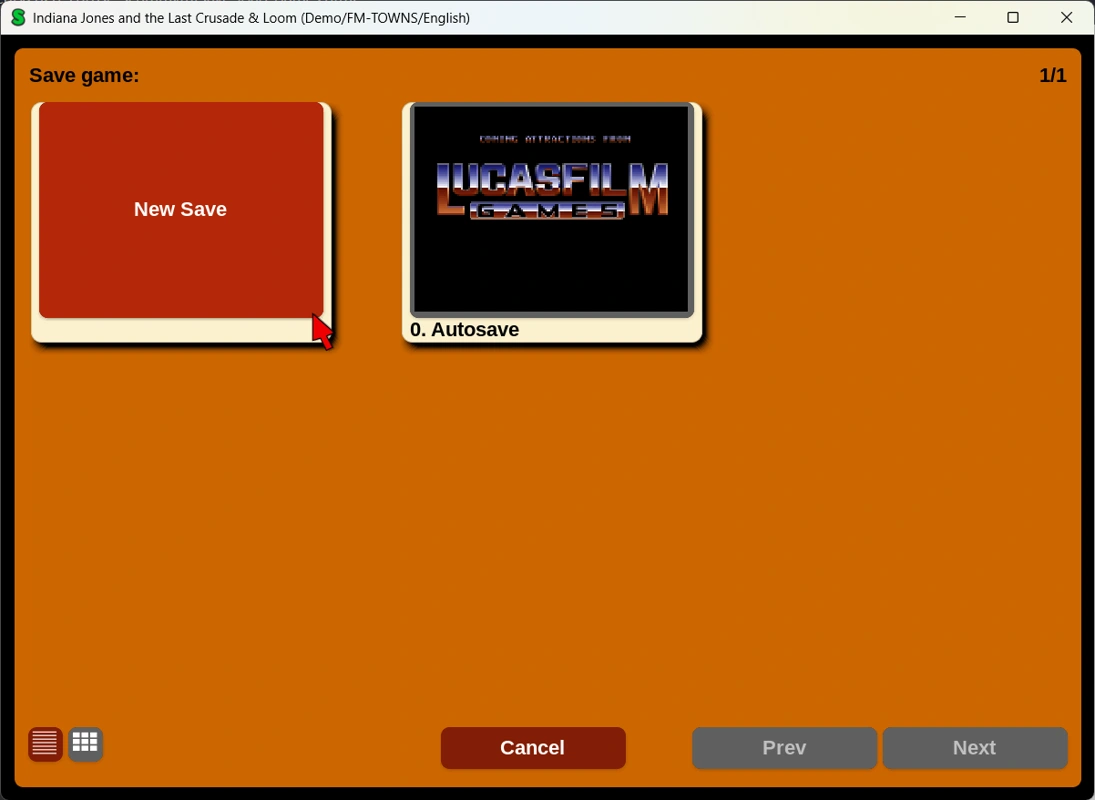
Save support varies by engine. Original DOS saves and ScummVM saves are not automatically interchangeable; check the notes before importing.
No. You add the game data. The official website also offers a selection of games distributed freely with permission.
Android and iOS versions exist alongside desktop versions. Installation, data transfer and controls depend on the device.
No. DOSBox emulates a DOS environment; ScummVM reimplements supported game engines. The right tool depends on the title and edition.
Our project launches independently on Windows and does not require ScummVM.
See the save guide. Ctrl+F5 opens the general menu in many desktop games, but some engines use their own procedures. Back up your saves.